
Download Video Downloader Pro – video downloader, YouTube downloader, Instagram downloader, MP3 converter, private mode, ad-free
Overview
Video Downloader Pro is a productivity-focused mobile application designed to help users efficiently download videos and playlists from widely used platforms such as YouTube and Instagram. The app serves as a practical tool for individuals who wish to save content for offline viewing, whether for educational purposes, entertainment, or content archiving. Its primary function is to streamline the process of video retrieval, offering users greater control over their digital media consumption. The target audience includes students, content creators, travelers, and casual viewers who value convenience and flexibility in accessing video content without relying on constant internet connectivity.
Developed by Video Downloader Pro, the app emphasizes user privacy and experience through features like Private Mode and an ad-free interface. These design choices suggest a focus on user trust and uninterrupted functionality. While the developer’s background remains unspecified, the app’s release date of October 13, 2023, indicates it is a relatively recent entry in the mobile productivity space. The app’s presence in the Android ecosystem reflects its intent to serve a broad base of smartphone users seeking reliable tools for video management. In the current digital landscape, where video content dominates online interaction, Video Downloader Pro fills a niche by offering a centralized solution for multi-platform content access.
Key Features & Functionality
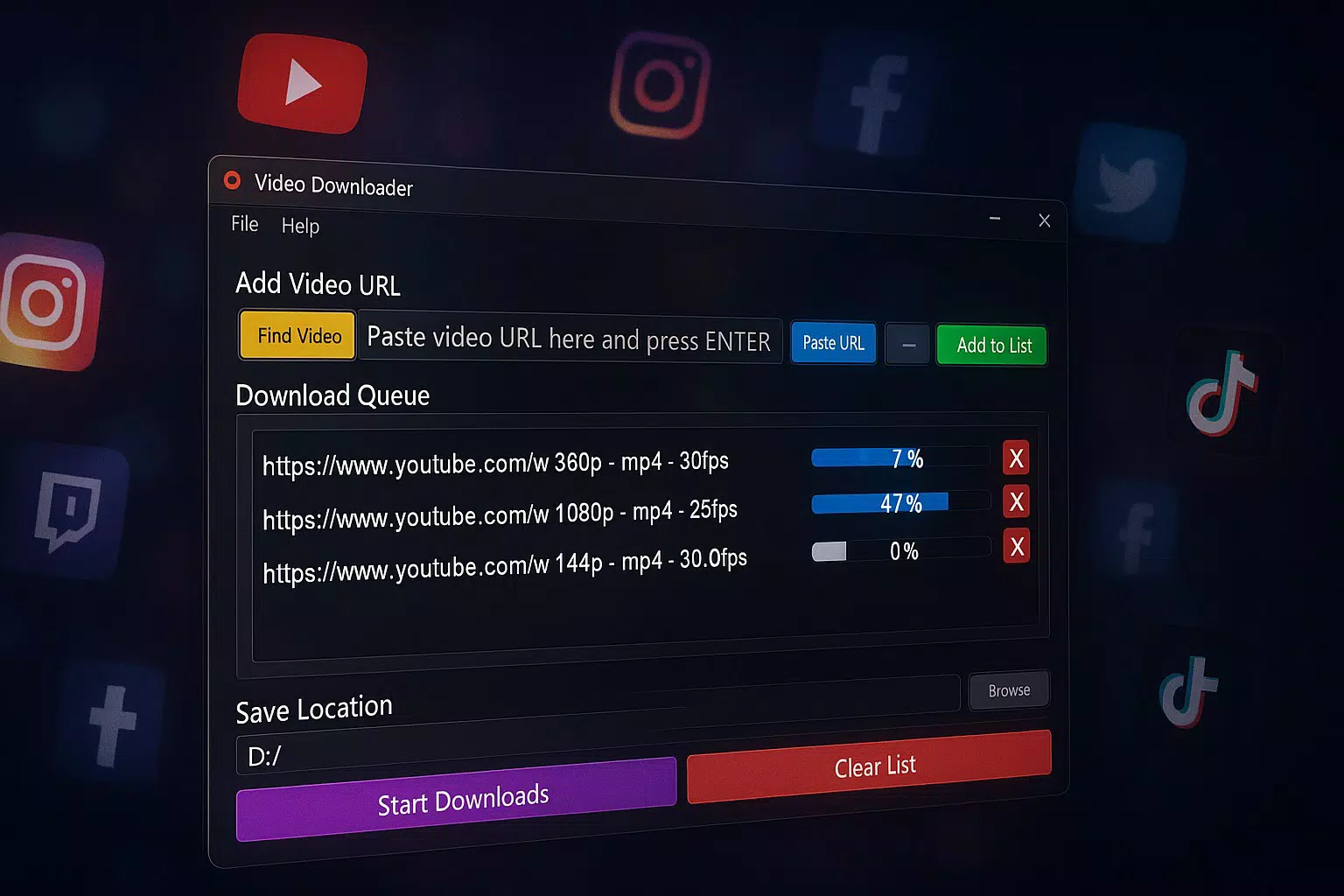
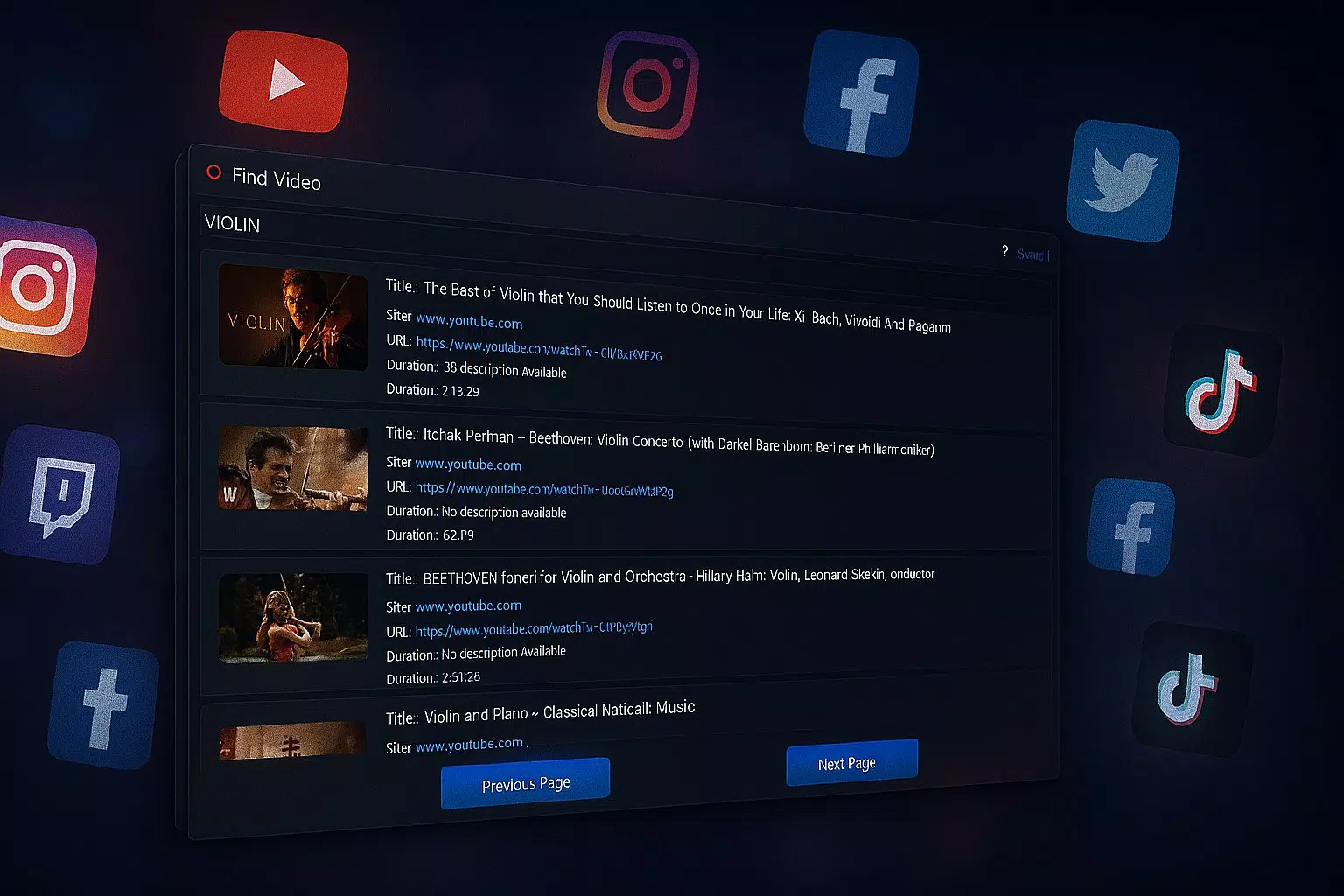
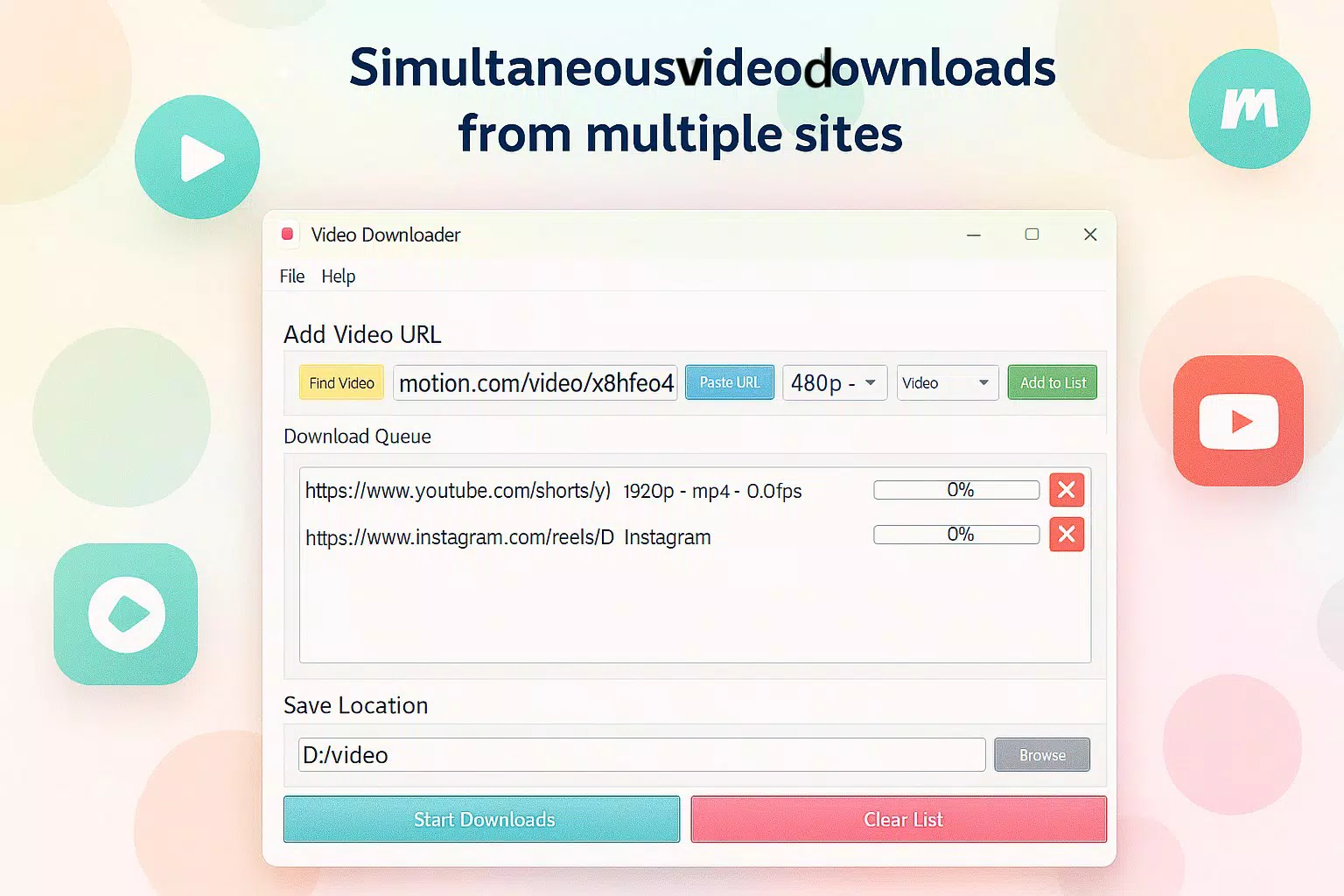
- Multi-platform Support: The app enables users to download videos from platforms like YouTube and Instagram, allowing seamless access to content across different social and media ecosystems. This is particularly beneficial for users who follow multiple creators or need to archive videos from diverse sources.
- Quality Downloads: Users can select from various video quality levels, ensuring optimal playback based on device capabilities and network conditions. This flexibility supports both high-definition viewing and faster downloads for low-bandwidth environments.
- MP3 Conversion: The app allows conversion of downloaded videos into MP3 audio format, making it ideal for users who want to extract music or audio from video content for personal listening or playlist creation.
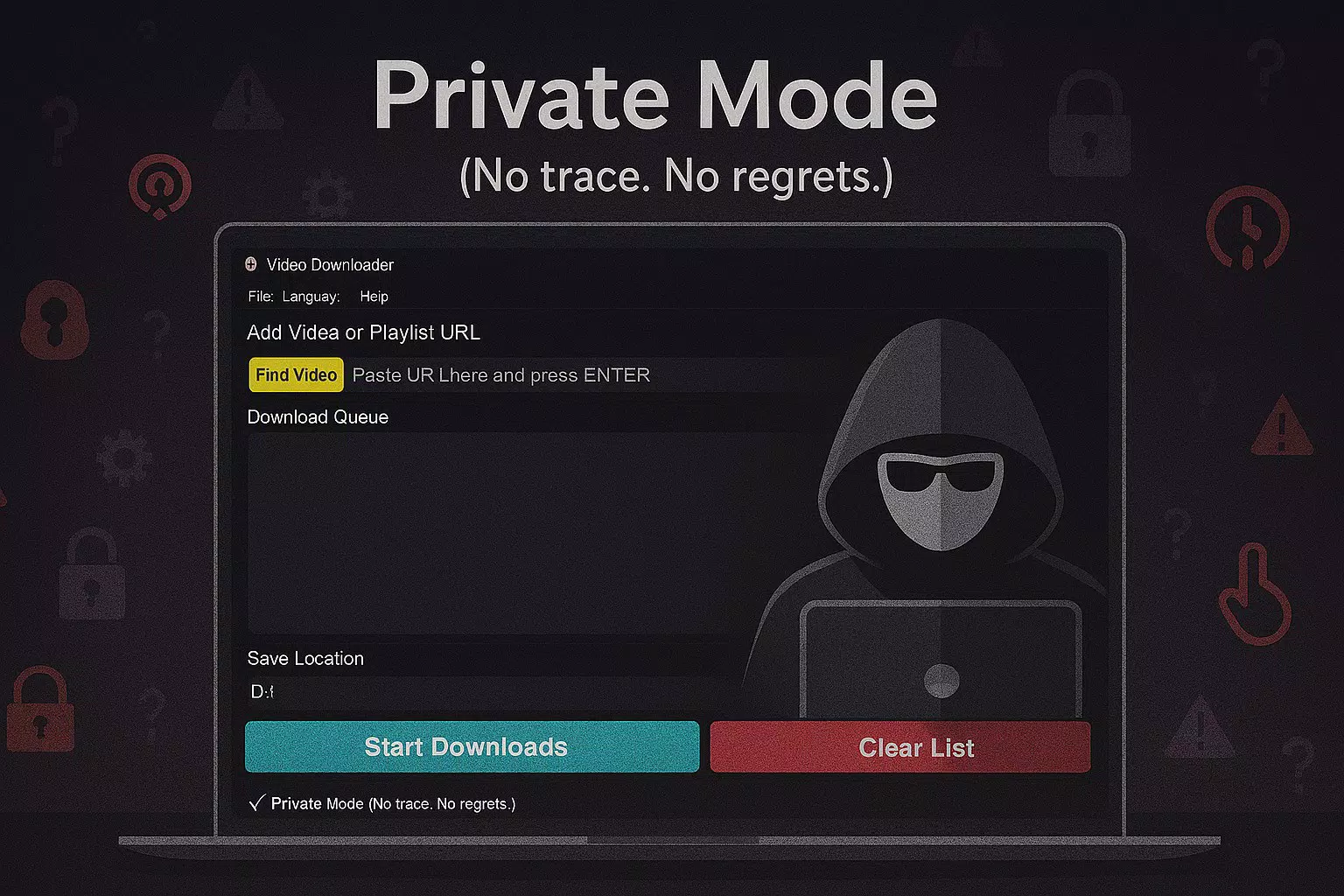
- Private Mode: This feature ensures that downloads are performed without leaving traces on the device, enhancing privacy and protecting user activity from being monitored or logged.
- Ad-Free Experience: The app operates without advertisements, providing a clean and distraction-free interface that enhances usability and user satisfaction.
For example, a student might use the app to download educational videos from YouTube for offline study sessions. A music enthusiast could convert a video of a live performance into an MP3 file to enjoy the audio in their car. A traveler may download Instagram reels from a destination they’re visiting to relive the experience later. These real-world applications highlight the app’s practical value across different user scenarios.
Interface, UX & Performance
Video Downloader Pro features a user-friendly interface designed for intuitive navigation. The layout is clean and organized, with clearly labeled options for platform selection, quality settings, and conversion tools. The visual style prioritizes functionality over ornamentation, which aligns with its productivity-focused purpose. Users can access core features with minimal taps, contributing to a smooth and efficient experience.
Navigation flows logically from inputting a video link to selecting quality and format, followed by initiation of the download. The app responds promptly to user inputs, and the progress tracking is straightforward. Although the developer did not list formal performance metrics, the app’s 25.4 MB size suggests it is lightweight and optimized for efficient operation on a range of Android devices. It is expected to run smoothly on mid-tier and high-end smartphones, though specific performance benchmarks were not provided.
Stability appears to be a priority, given the absence of advertisements and the inclusion of Private Mode, both of which contribute to a consistent user experience. However, no official data on crash rates or battery usage was disclosed. The app’s responsiveness across different screen sizes and orientations remains unverified, but the design appears adaptable to standard mobile form factors.
Platform Compatibility & Technical Requirements
Video Downloader Pro is available exclusively on the Android platform. The current version is 2.5.0, and the app’s file size is 25.4 MB, indicating a compact footprint suitable for devices with limited storage. This makes it accessible to a wide range of users, including those with older or budget-friendly Android smartphones.
The developer did not specify minimum OS requirements, nor were there details on required permissions or hardware capabilities. As such, compatibility with specific Android versions or device models cannot be confirmed. Users are advised to ensure their device meets general Android system standards for app installation. The absence of such information limits the ability to determine exact compatibility, but the app’s lightweight nature increases the likelihood of broad support.
Pros and Cons
Pros
- Supports downloads from major platforms like YouTube and Instagram.
- Offers multiple video quality options for flexible viewing.
- Includes MP3 conversion for audio extraction.
- Private Mode enhances user privacy during downloads.
- Ad-free experience ensures uninterrupted use.
Cons
- Platform availability is limited to Android only.
- Specific OS version requirements were not disclosed.
- Developer background and company details are not publicly available.
- Performance benchmarks and battery impact were not provided.
- Compatibility with older or low-end devices remains unverified.
FAQ
Is Video Downloader Pro safe to use?
Yes, the app includes Private Mode to prevent tracking and ensure secure downloads. It is free from advertisements, reducing the risk of malicious content.
Can I download videos from Instagram using this app?
Yes, Video Downloader Pro supports downloading videos and reels from Instagram.
Does the app work on iOS devices?
Currently, the app is only available for Android. There is no official iOS version listed.
How do I convert a video to MP3?
After downloading a video, users can select the MP3 conversion option within the app’s settings or download menu.
Is Video Downloader Pro free to download and use?
Yes, the app is currently free to download and use without any in-app purchases or subscription fees.
Final Thoughts
Video Downloader Pro stands out as a focused and efficient tool for Android users seeking to download and manage video content from popular platforms. Its combination of multi-platform support, quality customization, MP3 conversion, and privacy-focused design makes it a compelling choice for individuals who value control, convenience, and security. The ad-free interface enhances usability, while the lightweight size ensures it doesn’t strain device resources. Although limited to Android and lacking detailed technical disclosures, the app delivers strong value for its intended audience.
Whether you're a student saving lecture videos, a music lover extracting audio, or someone preparing offline content for travel, Video Downloader Pro provides a reliable solution. Its straightforward functionality and privacy-first approach make it a standout in the productivity app category.
Download Video Downloader Pro now


